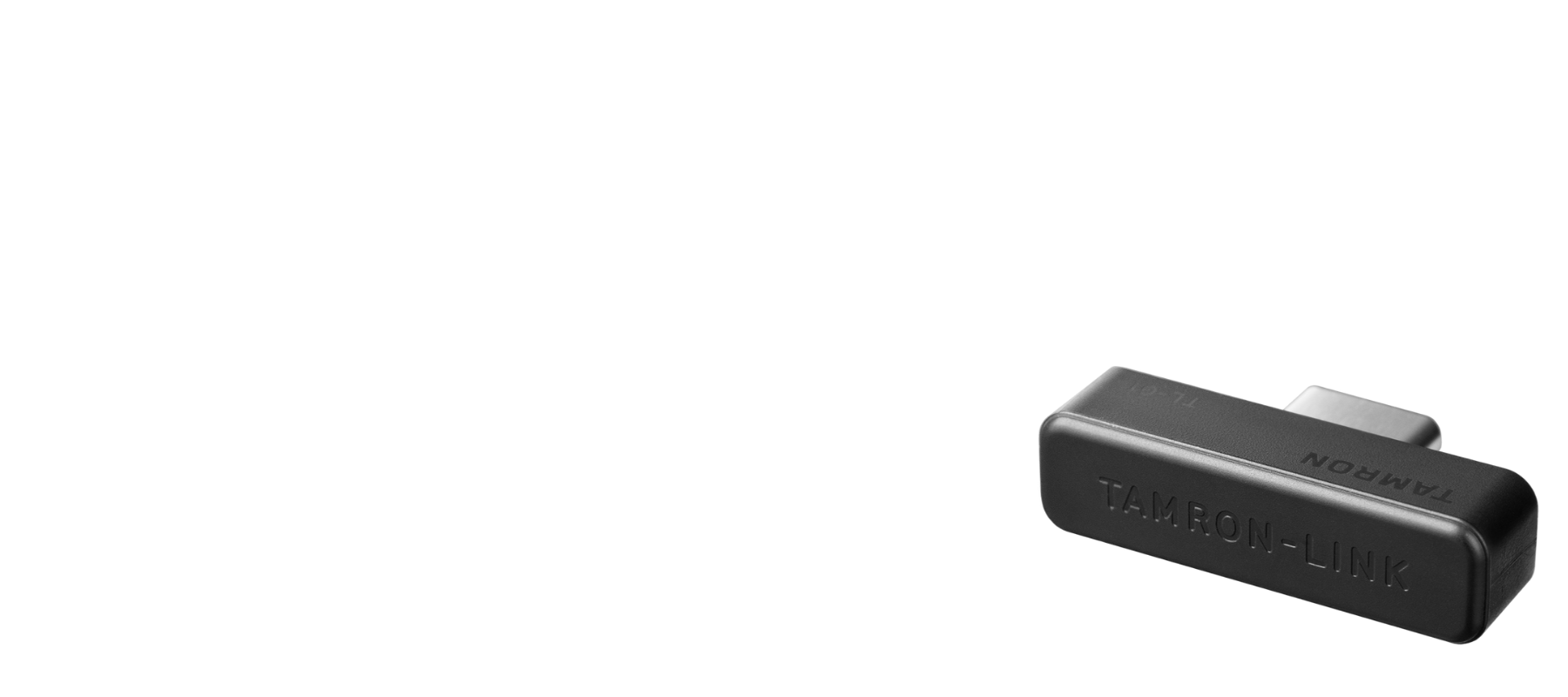
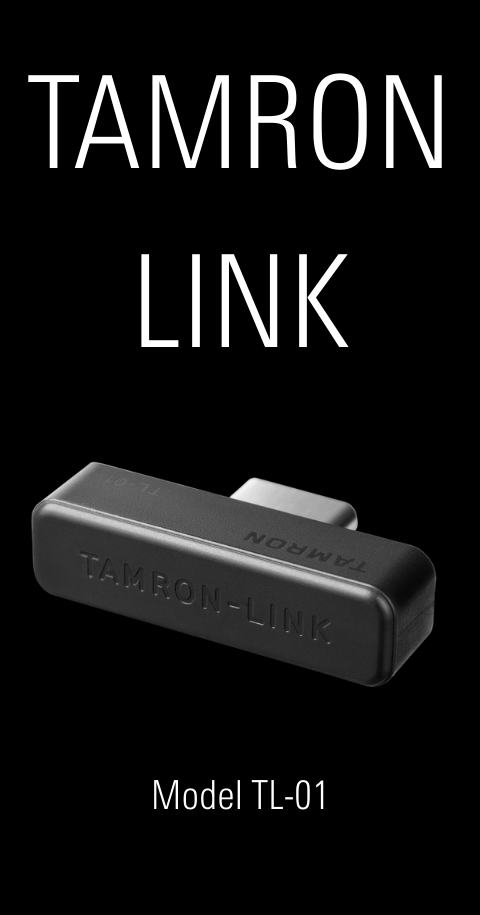
By connecting the TAMRON-LINK to a TAMRON lens, users gain the ability to wirelessly operate various lens functions from a smartphone via Bluetooth.
This accessory eliminates the need for cable connections, improving on-location workflow efficiency and enabling a more flexible and seamless shooting experience.
It supports both iOS and Android devices, allowing users to enjoy TAMRON Lens UtilityTM comfortably.


SPECIFICATIONS
| Product Name | TAMRON-LINK (Model TL-01) |
|---|---|
| Bluetooth Version | Bluetooth 5.4 |
| Bluetooth Class | Class2 |
| Communication Range | Max. 5m (16.4ft) |
| Product Size | Depth 7.1mm (0.28in) x Width 25.3mm (1in) x Height 6.6mm (0.26in) (Excluding connector) |
| Weight | Approx. 2g (0.07oz) |
| Operating Temperature | 0-40℃ (32-104℉) |
| Operating Humidity |
85% or less *Please note that if condensation occurs, it may not function properly. |
Specifications, appearance, functionality, etc. are subject to change without prior notice.
Device Registration
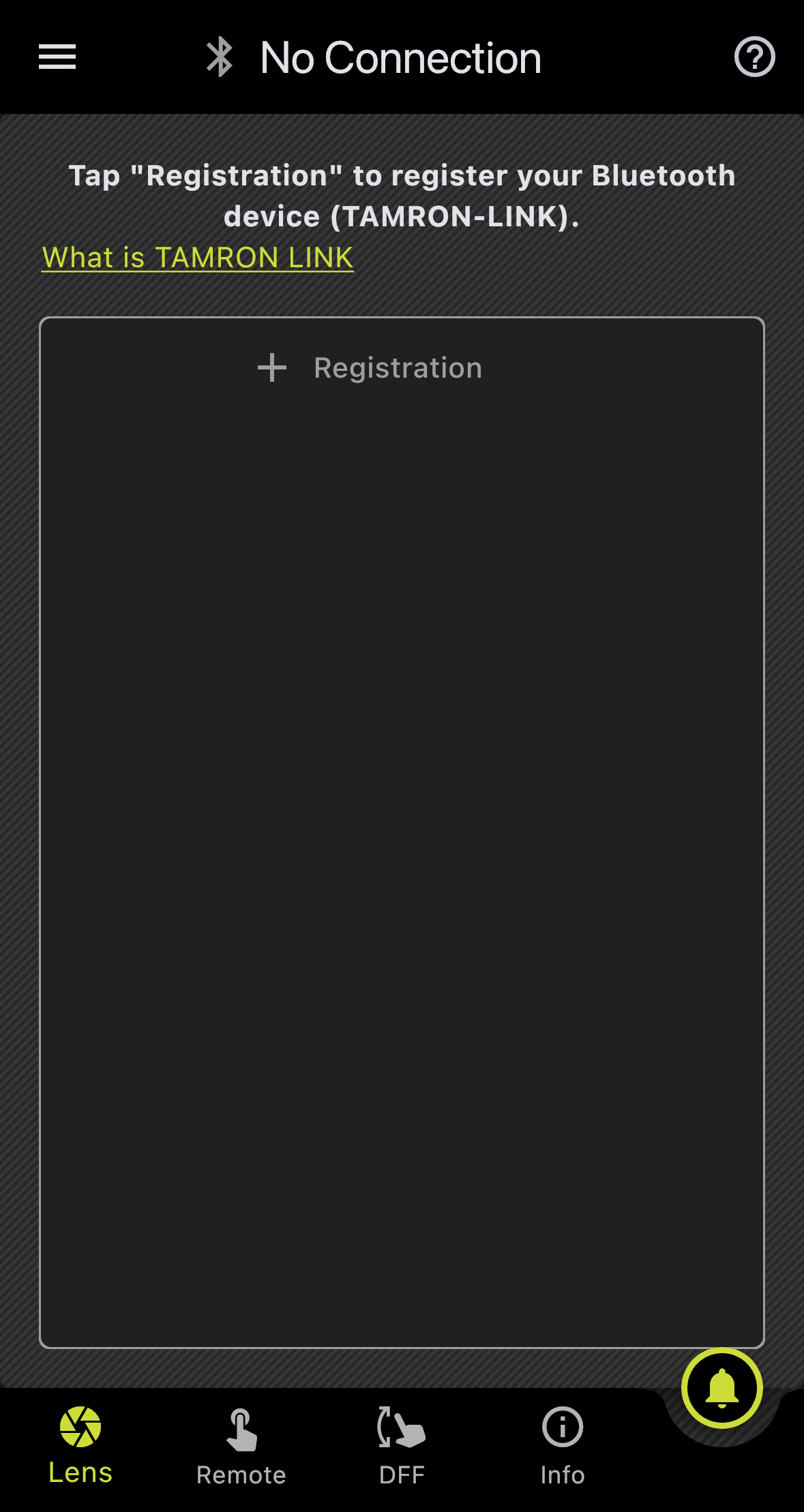
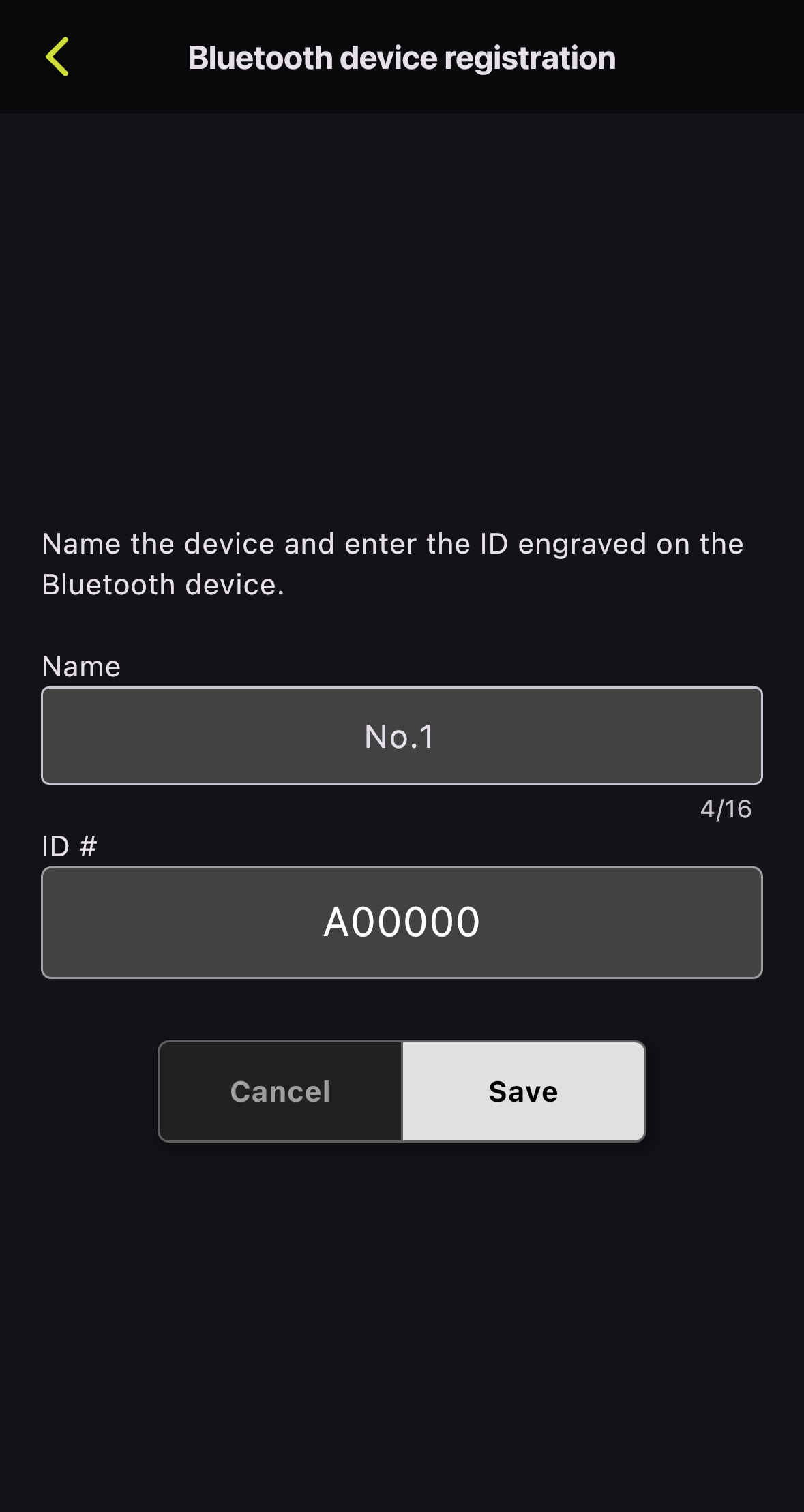
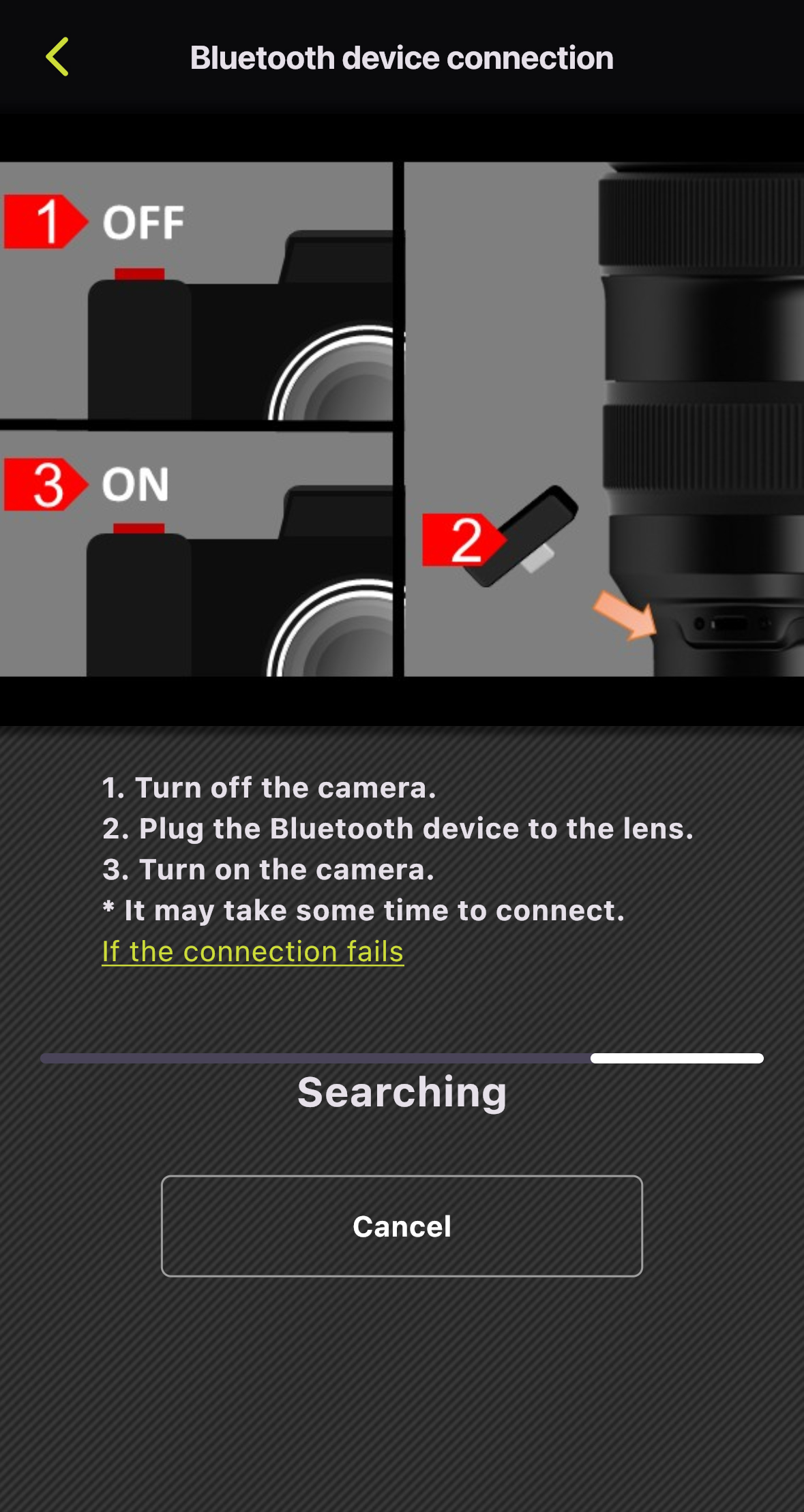
1. Turn off the camera.
2. Plug the TAMRON-LINK into the lens.
3. Turn on the camera.
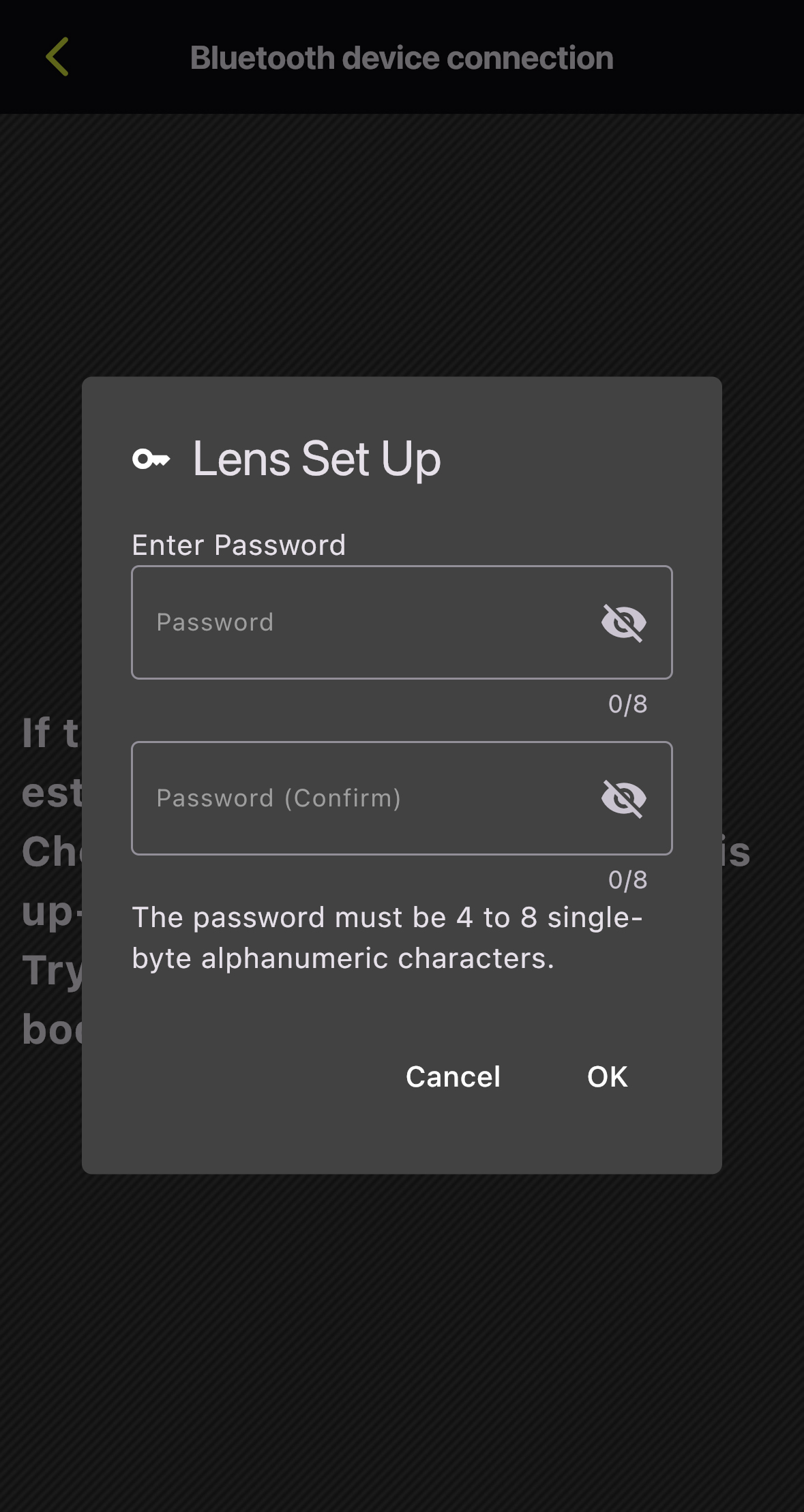
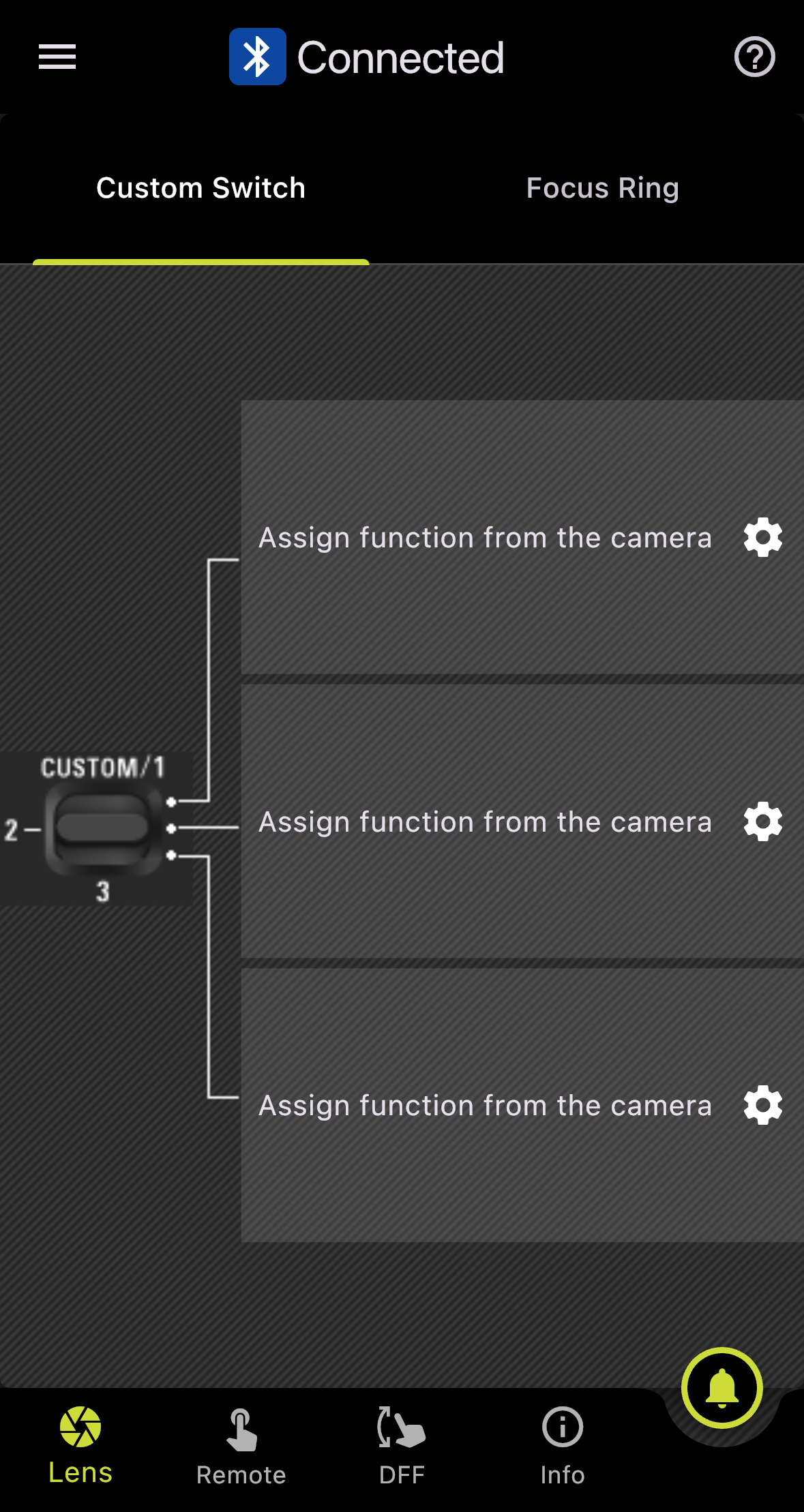
Password Reset
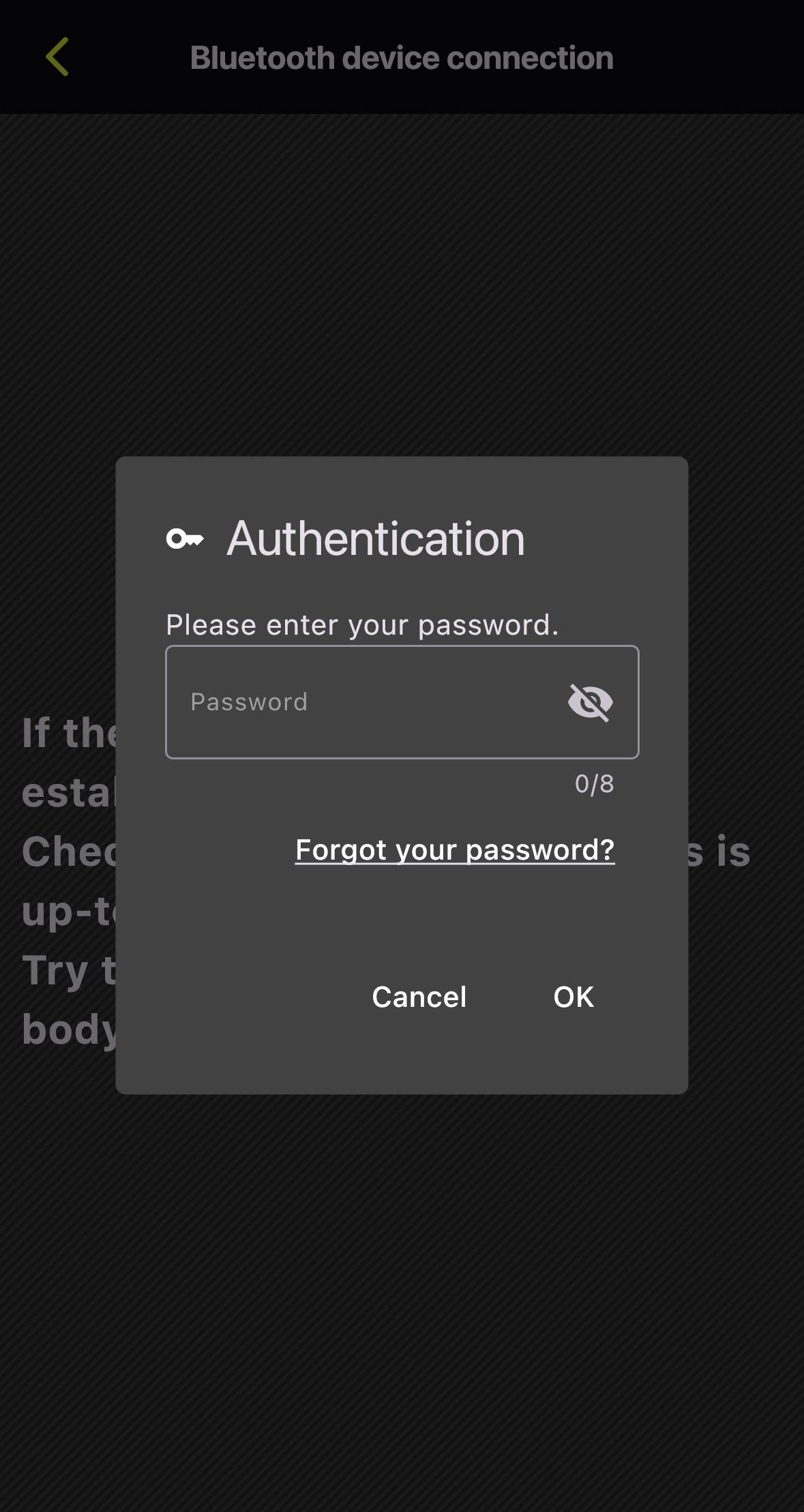
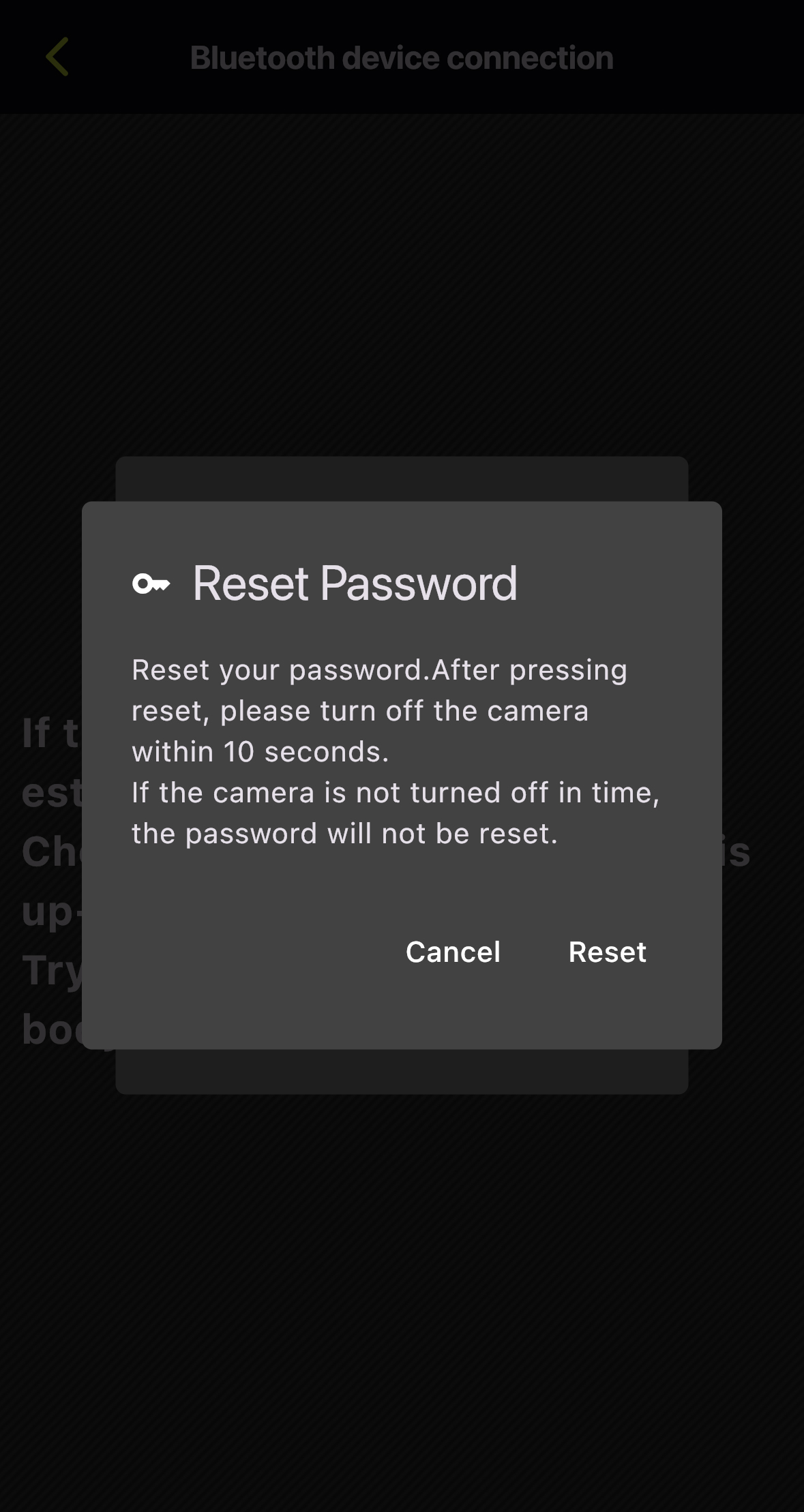
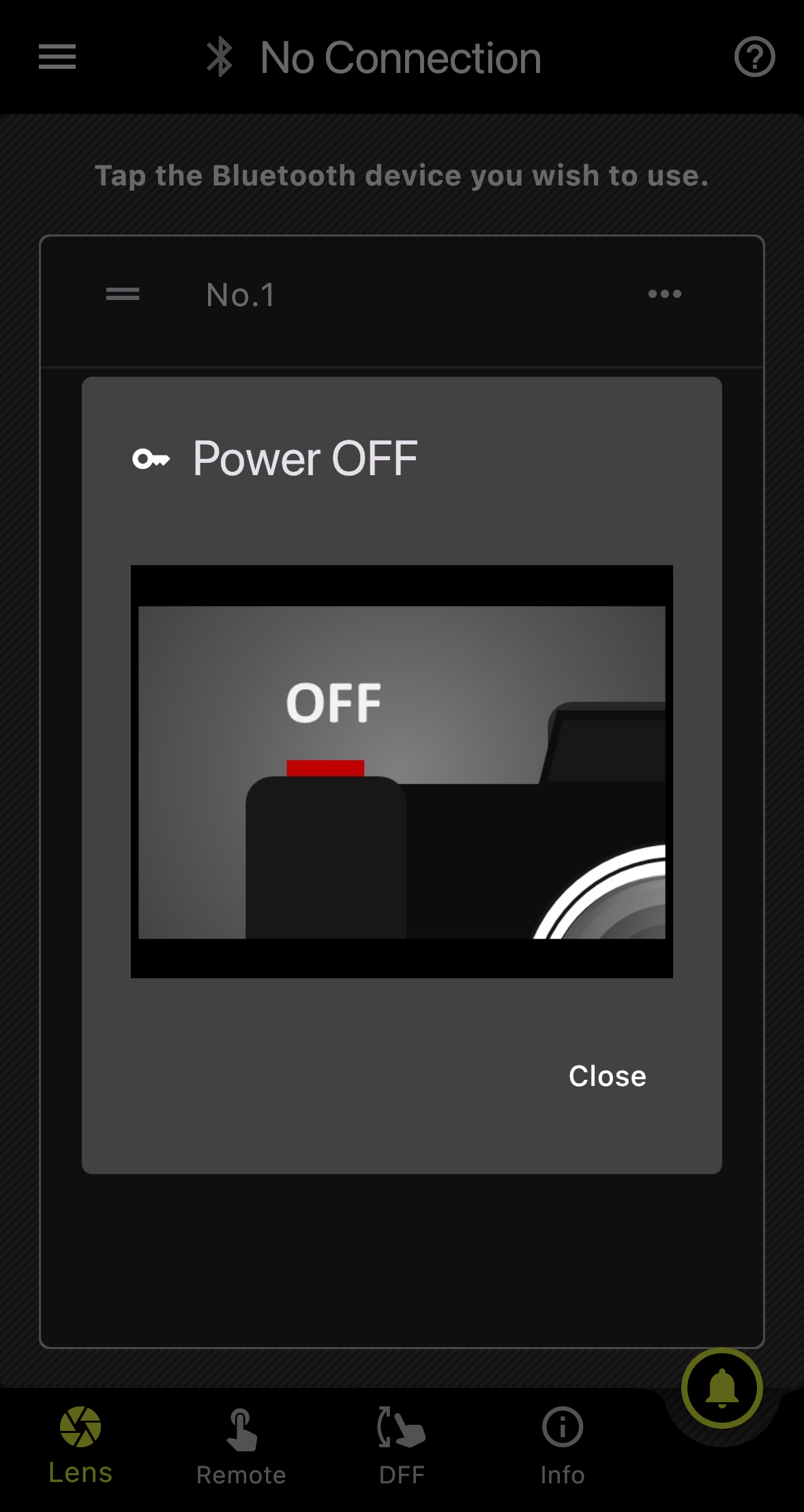
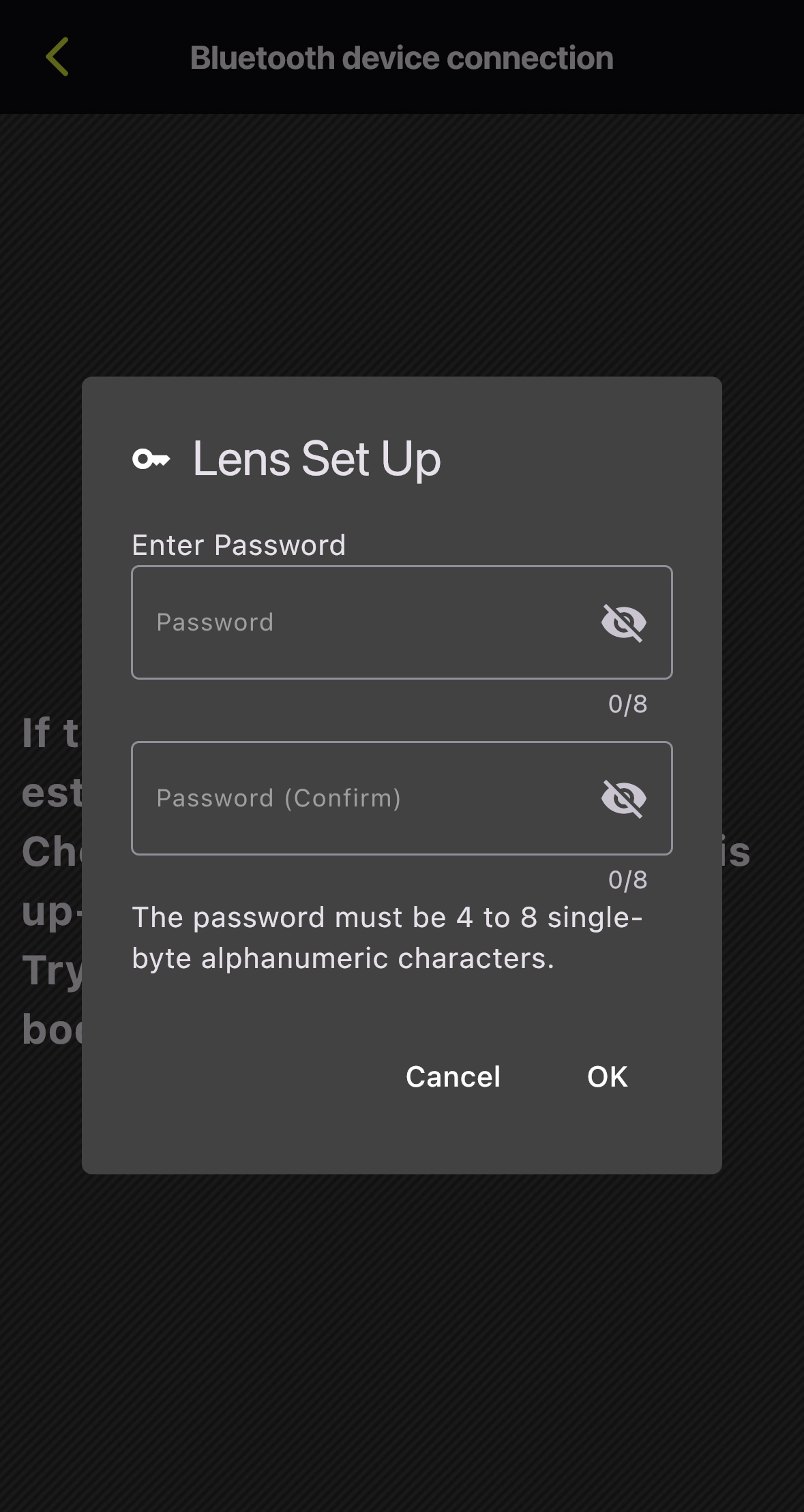
*The screen captures are based on iOS. Display and operation may vary on Android OS.
Notes on Using TAMRON-LINK
To ensure stable and optimal performance of this product, please observe the following points.
1. Operating Environment
- This product does not guarantee operation with all Bluetooth-enabled devices.
- Operation may become unstable, or communication may be subject to delays or interruptions depending on radio wave conditions, physical obstructions, and the status of connected devices in the surrounding environment.
- Communication may be interrupted or its speed reduced when used near equipment operating on the same 2.4 GHz band, such as microwave ovens or Wi-Fi devices.
- The wireless communication range and speed are approximate figures and may vary depending on the specific operating environment.
2. Connection and Firmware
- TAMRON-LINK can only be used in Japan, USA, Canada, EU, UK, and China (including Hong Kong and Macau). (as of February, 2026.)
- To utilize TAMRON Lens Utility and TAMRON-LINK, it is necessary to update the compatible lens firmware to the latest version. Please note that the Mobile version does not support lens firmware updates; the PC version must be used.
- Information regarding lens firmware updates will be posted on Support page.
- Please note that TAMRON-LINK is currently unavailable for the following lenses. The necessary lens firmware required to use TAMRON-LINK is scheduled for release in spring 2026.
Applicable Products
- 28-75mm F/2.8 Di III VXD G2 (Model A063) for Nikon Z mount
- 35-150mm F/2-2.8 Di III VXD (Model A058) for Sony E-mount
The "Compatible Lens List" is available at compatible lenses.
3. Others
- Battery consumption on the camera and connected device may accelerate during a Bluetooth connection.
- This product must not be used in environments where it may pose a risk of interfering with medical equipment or the safe operation of aircraft.
- TAMRON is not responsible for any direct or indirect damages resulting from the use of this product.
Trademarks
- Product and service names mentioned herein are trademarks or registered trademarks of their respective companies.
- iOS is a name of Apple Inc. IOS is a trademark or registered trademark of Cisco
- Android is a trademark or registered trademark of Google LLC.
- The Bluetooth word mark and logos are registered trademarks owned by Bluetooth SIG, Inc., and any use of such marks by TAMRON is under license.