February 19, 2026
News Release
TAMRON Lens Utility™ Update Announcement New Version 5.0 Now Available
Tamron Co., Ltd.
0
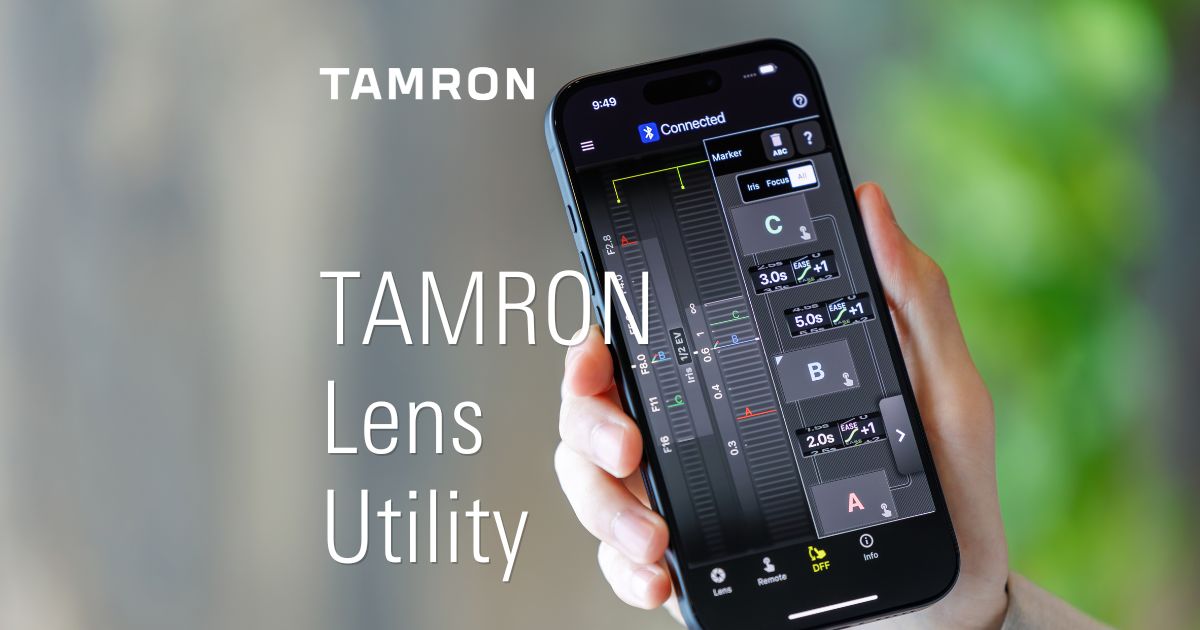
TAMRON Lens Utility
Product Page
February 19, 2026 – Tamron Co., Ltd. (President & CEO: Shogo Sakuraba; Headquarters: Saitama City, Japan; “TAMRON”), a leading manufacturer of optics for diverse applications, announces an update to its proprietary application TAMRON Lens Utility™ (Mobile/PC version) that supports video and still photography.
This update introduces a variety of new functions and enhances existing features to support a more comfortable and creative shooting experience.
The software version will be updated from the current Ver. 4.0 to Ver. 5.0 and will be available for download starting February 19, 2026.
| Application Name | TAMRON Lens Utility™ |
|---|---|
| Download Start Date | February 19, 2026 |
| Compatible OS for Mobile Version | iOS 16-18, 26 Android OS 6.0-16 |
| Compatible OS for PC Version | macOS 13-15, 26 Windows 11 64-bit |
TAMRON Lens Utility
Product Page
Product Features
New Functions Added to TAMRON Lens Utility Ver. 5.0 for Mobile Version
● Focus (FC)/Iris Marker Link
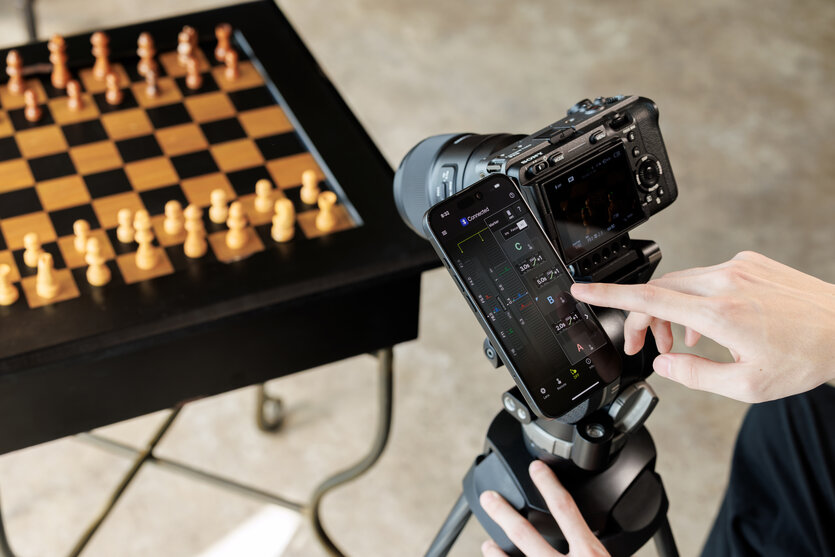
In addition to the conventional Focus Marker, markers can now be set on both the focus ring and the aperture ring. With the DFF (Digital Follow Focus) screen, you can shift them instantly to the preset positions with a single tap.● Ring Stopper
This function lets you set an electronically controlled stopper for the focus and aperture rings, which helps prevent unintended over- or under-adjustment when operating them. With the DFF screen, you can manually control both rings at the same time with smooth, accurate operation.● Selecting Focus and Aperture Rotation Angle
This function lets you set the rotation angle of the focus and aperture rings.You can select the rotation angle according to the scene you are shooting in manual mode, allowing for operation that matches your creative intentions.
● Focus Time Lapse
This function works with the camera’s interval shooting, letting you create time-lapse videos while gradually shifting the focus position with ease.● Astro Focus Lock (Astro FC-L) [Fine Adjustment]
This function helps reduce the hassle of focusing when shooting the night sky. You can fine-tune and save focus positions to match your shooting environment and intentions.● Night Mode
The entire screen turns red and dims, reducing eye strain in low-light conditions and minimizing disturbance to other photographers around you.To download the application for iOS, please visit the following page:
https://apps.apple.com/app/id6746462774
For Android, please visit the following page:
https://play.google.com/store/apps/details?id=jp.co.tamron.lensutility.mobile
For PC, please visit the following page for download and installation instructions:
https://www.tamron.com/global/consumer/support/download/lensutility/
* Notes on Using TAMRON Lens Utility
1. Connection and Usage Environment
- When using iOS devices: TAMRON-LINK (Model TL-01) is required.
- When using Android OS devices: TAMRON-LINK or a TAMRON Connection Cable USB Type-C to Type-C (Model CC-350) is required.
- When using a PC (Windows/macOS): TAMRON Connection Cable USB Type-A to Type-C (Model CC-150) or USB Type-C to Type-C (Model CC-350) is required.
- TAMRON-LINK and TAMRON Connection Cables are sold separately.
- The operation of this application is not guaranteed on all devices.
2. Firmware Updates
- The Mobile version does not support lens firmware updates; the PC version must be used.
- To utilize TAMRON Lens Utility and TAMRON-LINK, it is necessary to update the compatible lens firmware to the latest version. Information regarding lens firmware updates will be posted on the support page.
3. Compatible Lenses
- The "Compatible Lens List" is available at https://www.tamron.com/global/consumer/soft/lensutility/#compatible_lenses.
- Lens firmware to support TAMRON Lens Utility Ver. 5.0 for the following products is scheduled for release in Spring 2026.
<Applicable Products>
■ 28-75mm F/2.8 Di III VXD G2 (Model A063) for Nikon Z mount
■ 35-150mm F/2-2.8 Di III VXD (Model A058) for Sony E-mount
If the applicable product is connected to the Ver. 5.0 application before the corresponding firmware is released, only the functions available up to Ver. 4.0 will be accessible. Additionally, for some functions, there may be discrepancies between the function display on the application screen and the content in the help screen.
* Trademarks
Product and service names in this release are trademarks or registered trademarks of their respective companies.
- iOS is a name of Apple Inc. iOS is a trademark or registered trademark of Cisco.
- Android is a trademark or registered trademark of Google LLC.
- Mac and macOS are trademarks or registered trademarks of Apple Inc.
- Windows is a trademark or registered trademark of Microsoft Corporation.